
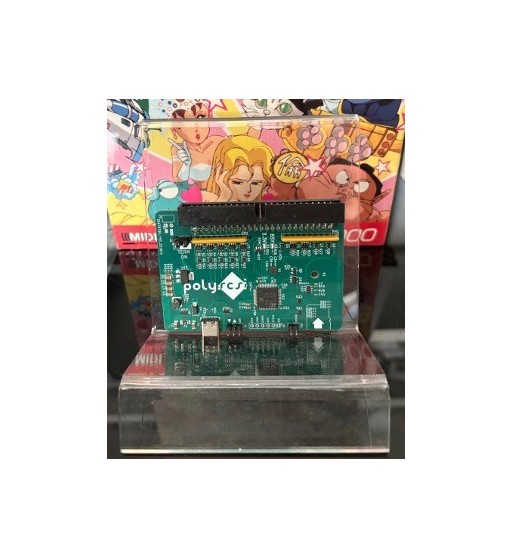
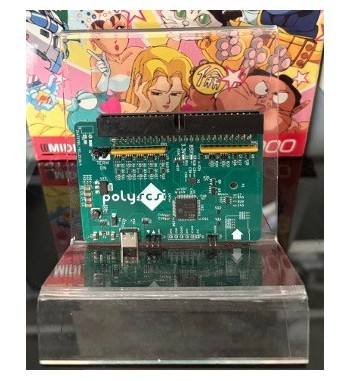
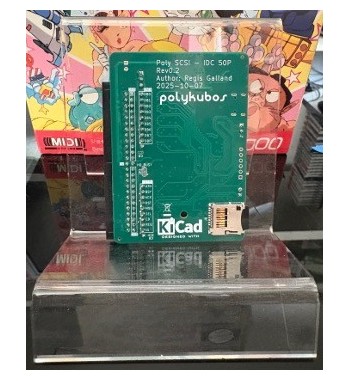
PolySCSI - Computer storage emulation (Hard drive)
 Tested & Inspected
All products are tested and inspected before shipping on the corresponding hardware.
The Polykubos PolySCSI is a storage device emulator capable of simulating a hard drive, floppy drive, or CD-ROM drive.
The PolySCSI connects to retro computers either internally or externally (optional adapter required).
Internal connection (may require a conversion ribbon cable):
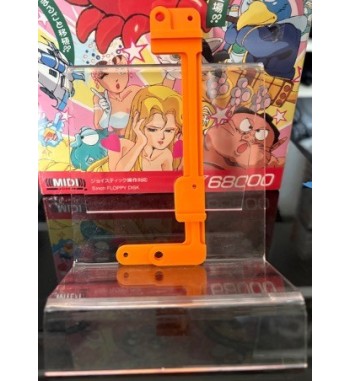
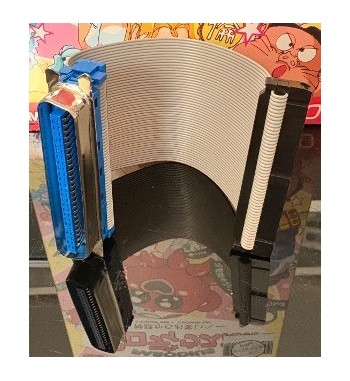
On Sharp X68000 (models that support an internal hard drive), excluding the Compact version, with an optional mounting bracket — conversion ribbon cable required, not included.
On Macintosh LC series
On 386/486/Pentium/... PCs equipped with an internal SCSI port or an Adaptec-type SCSI controller
External connection via the optional adapter (Centronics 50):
On Sharp X68000
On FM Towns II UX series
On FM Towns II with Centronics 50
On PC-88 (with a Centronics 50 SCSI card)
On PC-98 (with a Centronics 50 SCSI card)
Extras :
Link to understand and download polyscsi.ini the configuration file : https://tech.polykubos.fr/polyscsi-ini-and-file-formats/
To simulate a SCSI hard drive:
Transfer a disk image compatible with your target system (you can create one using an emulator like XEiJ for the X68000, or download an existing one online) onto a microSD card.
Name the file with the .HDA or .HDS extension to make it recognizable as a hard drive.
Plug your PolySCSI into the machine.
Using PolySCSI on a Sharp X68000 with SASI requires installing the SxSI driver (available on the Human.sys 3.x floppy disk).
PolySCSI is also SASI-compatible (for use on Sharp X68000 without installing the SxSI driver). Simply name your image file with the .HDF extension.
Note: SASI has a virtual disk size limit of 40 MB.
Powered via the SCSI port (if power is supplied by the host machine) or externally via the USB-C port
PolySCSI - Computer storage emulation (Hard drive)